 Pryn
PrynMake the important things stand out
Bring structure to announcements with a clear title, useful content, and a visual style that members recognize.
Create custom messages, embeds, and containers with text, buttons, and interactive elements for announcements, information panels, and more.
Bring structure to announcements with a clear title, useful content, and a visual style that members recognize.
Create information panels, community updates, and server content around the action you want members to take next.
Use considered colours and concise copy, so your welcome panel, rules, and announcements feel part of the same place.
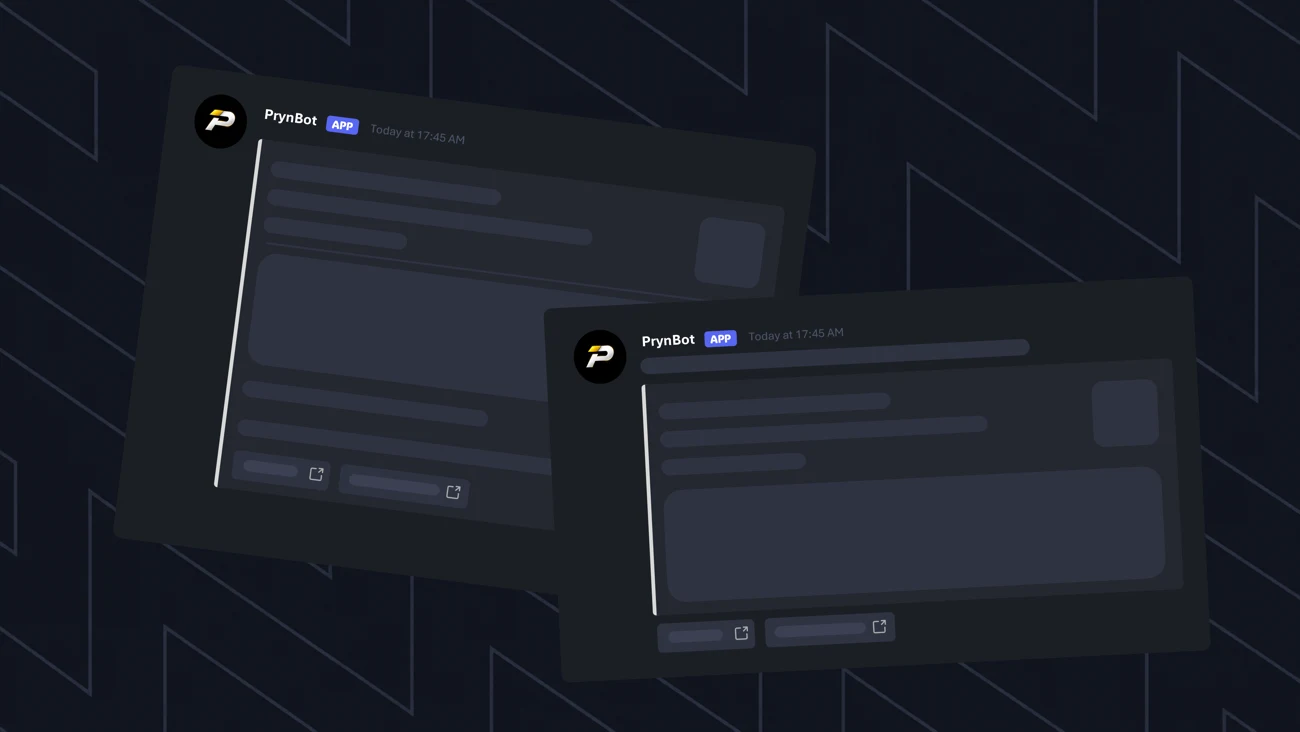
A view of the messages & embeds feature from the original Pryn site.
Start simple. Preview the experience.
Add the details that make it yours.
Decide what the message needs to communicate.
Build your message or embed in the dashboard.
Add the relevant text and supported interactive elements.
Check the destination channel and preview before sending.
A little clarity before you get started.
Still need a hand?A regular message is the main body of a Discord post. An embed is a structured block that can make information easier to scan. Pryn brings these tools together for custom server content.
Change the title, message, and accent colour below to see a local example. The preview is not connected to your Discord server and will not publish anything.
Bring your people together. Give them a place to belong.