 Pryn
PrynPut the member in the picture
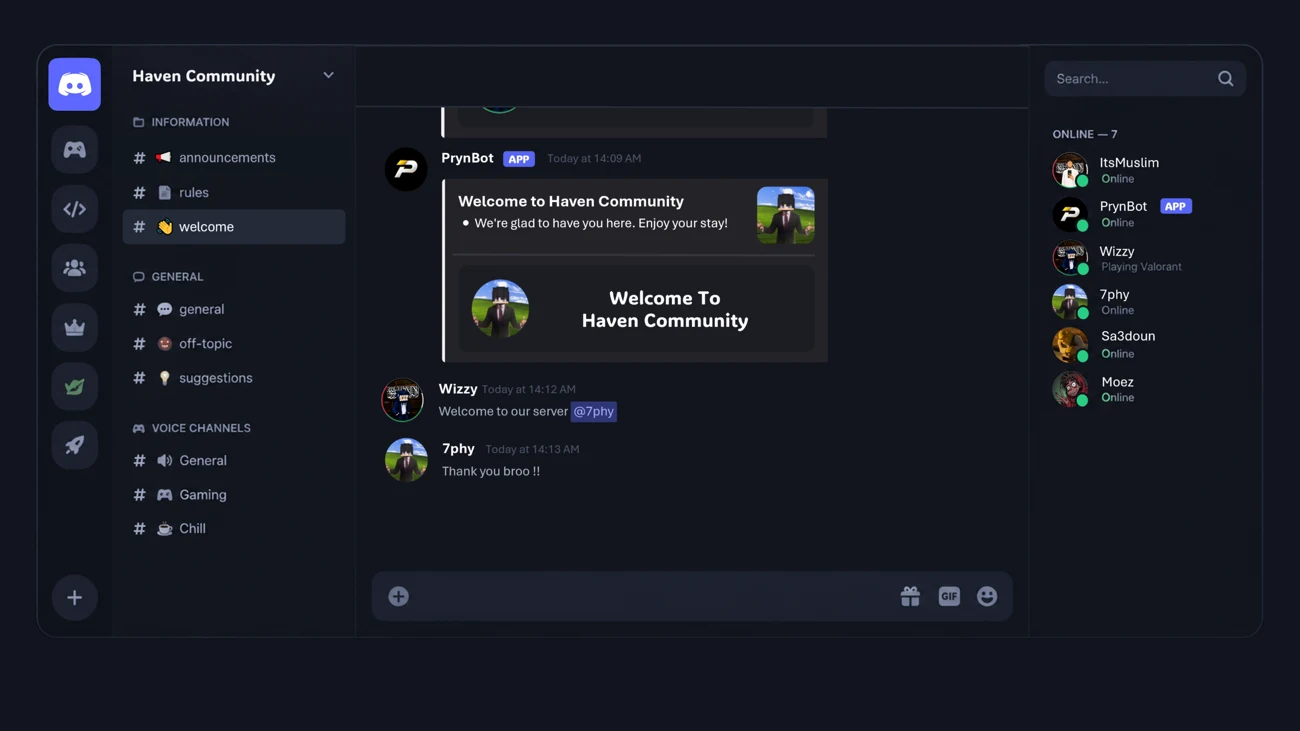
Create a welcome image that includes the new member’s username and avatar. A little recognition goes a long way.
Welcome members with personalized images, their username and avatar, and background artwork that feels like your community.
Create a welcome image that includes the new member’s username and avatar. A little recognition goes a long way.
Use customizable background artwork to carry your community’s identity into the first message a member sees.
Pair your welcome with a clear next step, such as reading the rules, introducing themselves, or finding a conversation.
A view of the welcome & onboarding feature from the original Pryn site.
Start simple. Preview the experience.
Add the details that make it yours.
Choose a channel for new-member welcomes.
Open your server’s welcome settings in the dashboard.
Personalize the message and image background.
Preview the result and check that the next steps are clear.
A little clarity before you get started.
Still need a hand?A friendly hello, the name of your community, and one clear next step. Avoid sending a wall of rules as the first message a person sees.
The original Pryn feature supports customizable background artwork alongside the member’s username and avatar. Use an image that stays legible behind the welcome text.
Bring your people together. Give them a place to belong.